Dockproof landing · hero section · 2026-09-27

Three directions for the landing hero

Each comp uses the real English copy from landing/locales/en.json. They are design references generated with Codex, not screenshots of built pages. Pick one direction, or a mix, and the rest of the sections follow the same system.

A

Deep dark
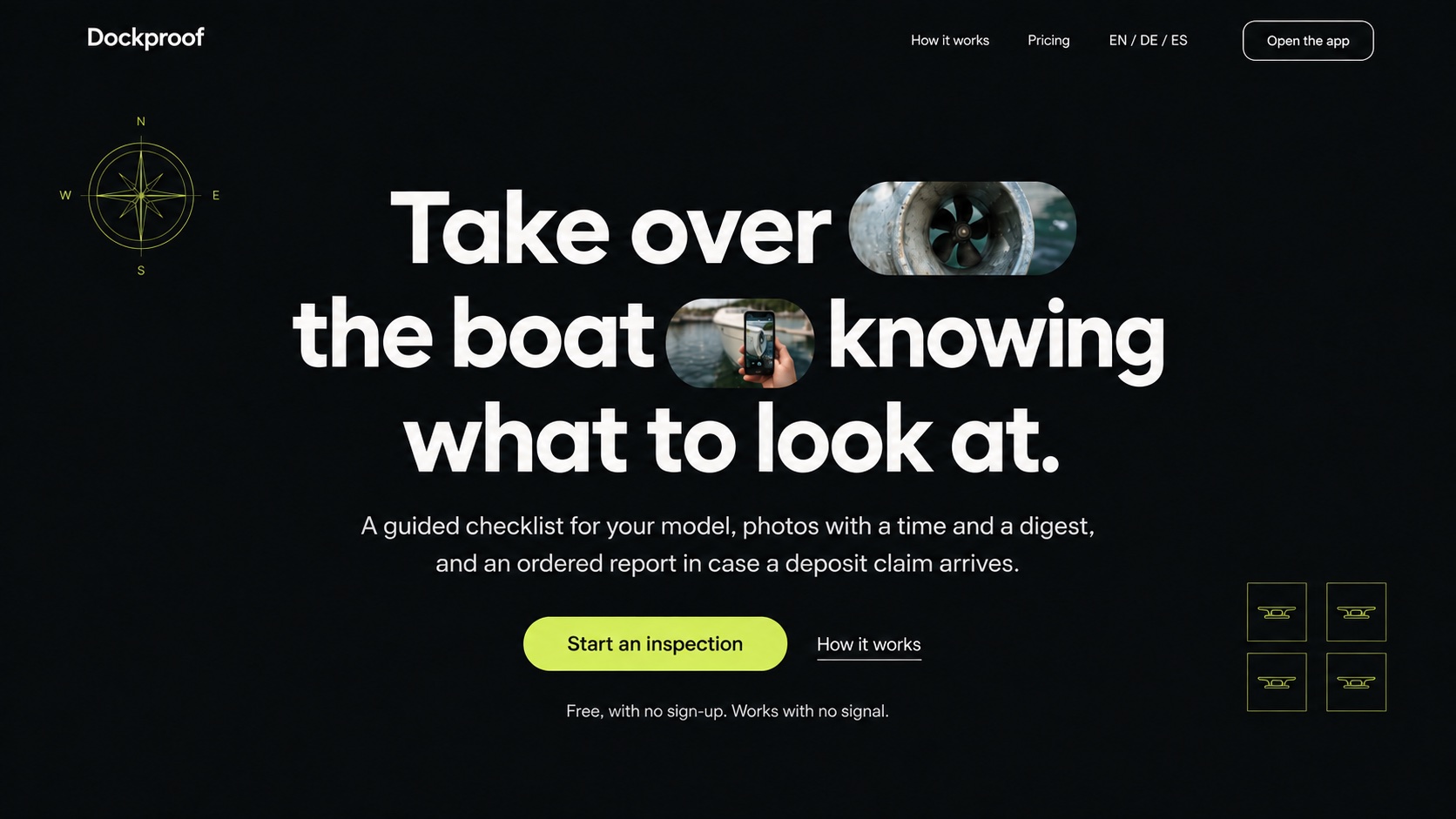
Dark hero: near-black background, large rounded geometric sans headline centered, two photo pills inside the headline showing a bow thruster tunnel and a phone photographing a hull, a chartreuse Start an inspection button, a thin compass rose top-left, and four cleat icons bottom-right.
Type
Rounded geometric grotesk, very large, tight tracking.
Signature
Photo pills inside the headline, like your reference.
Palette
#0b0f12 #f4f4f0 #c8f04a
Fit
Strong for the landing. Weak for the app in direct sun.

B

Editorial
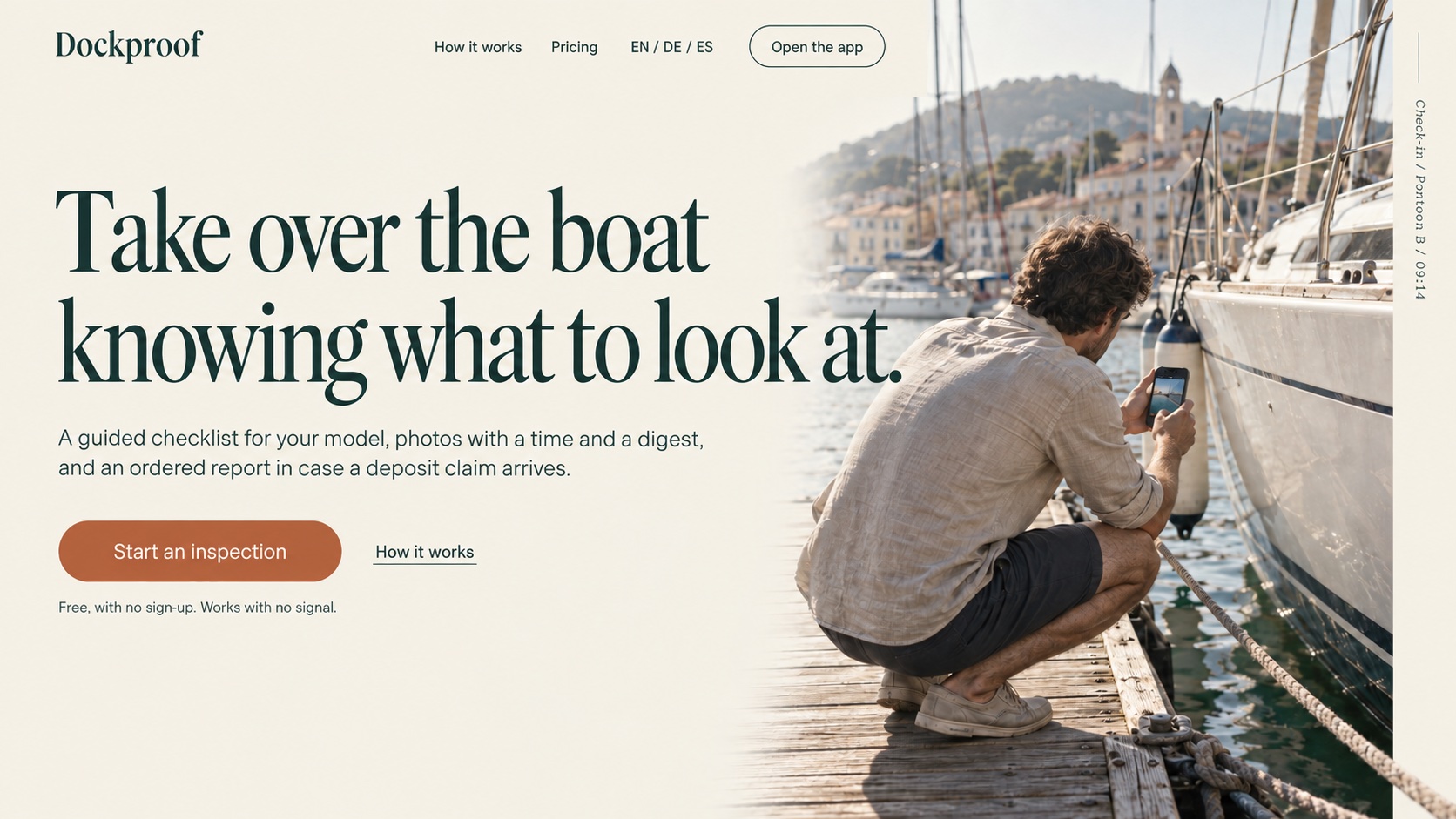
Editorial hero: cream background, tall serif headline in dark sea green on the left, a terracotta Start an inspection pill, and on the right a photo of a person crouched on a wooden pontoon photographing a yacht hull with a phone, with a vertical caption Check-in / Pontoon B / 09:14.
Type
Tall editorial serif for display, clean grotesk for body.
Signature
Real pontoon photo and a vertical log caption.
Palette
#f3eee4 #1f3a33 #b8643c
Fit
Warm and trustworthy for the landing. The serif is too soft for app controls.

C

Sunlight chart
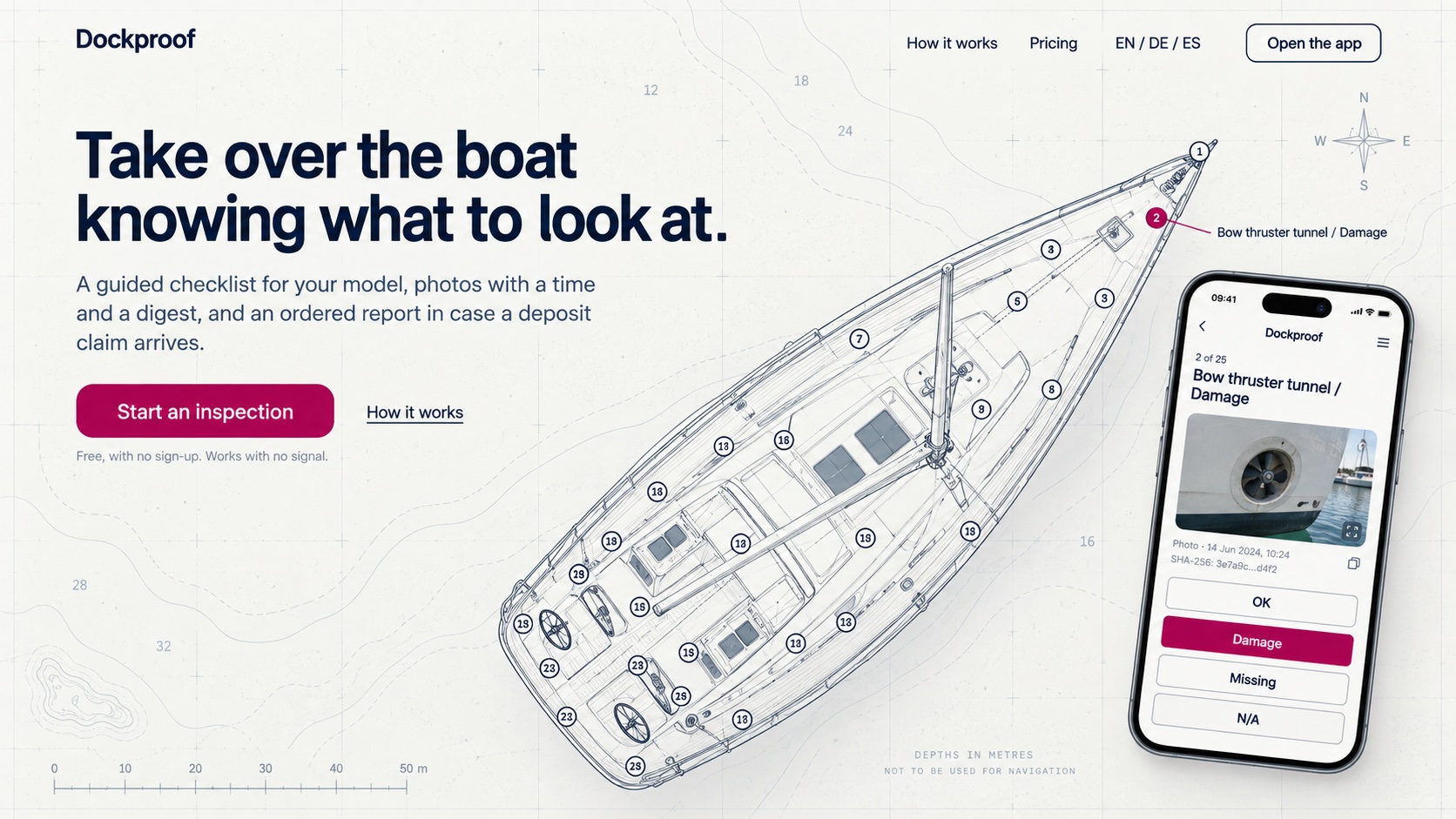
Light hero on chart paper with a faint grid and depth soundings: bold navy grotesk headline top-left, a magenta Start an inspection button, a top-down line plan of a sailing yacht with numbered inspection points, one magenta point labeled Bow thruster tunnel / Damage, and a phone showing that item with OK, Damage, Missing, and N/A buttons.
Type
Geometric grotesk at normal width, bold and tight.
Signature
Nautical chart background and the real boat plan with the app on top.
Palette
#f7f7f2 #0a2136 #b80060
Fit
Keeps the current sun-readable palette and moves straight into the app. Point numbers repeat in the comp; the build uses the real plan.

B · C

On a phone

Most visitors arrive from a phone, often already at the marina. These are the same two directions at phone width.
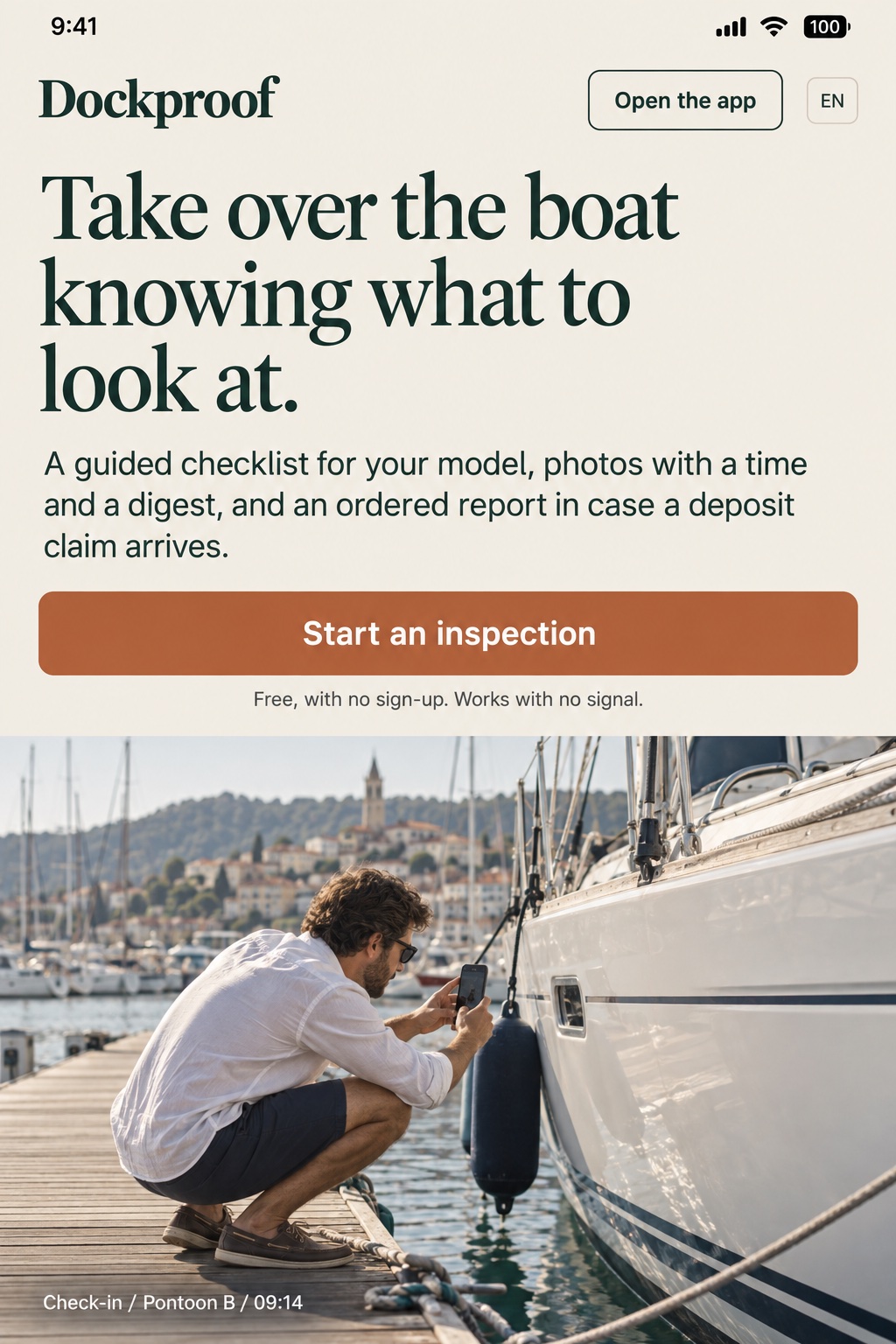
Editorial direction on a phone: cream background, serif headline over four lines, a full-width terracotta Start an inspection button, and below it a full-width photo of a person crouched on a pontoon photographing a yacht hull, captioned Check-in / Pontoon B / 09:14.
B, Editorial. The photo takes the whole lower half and explains the product before any text does.
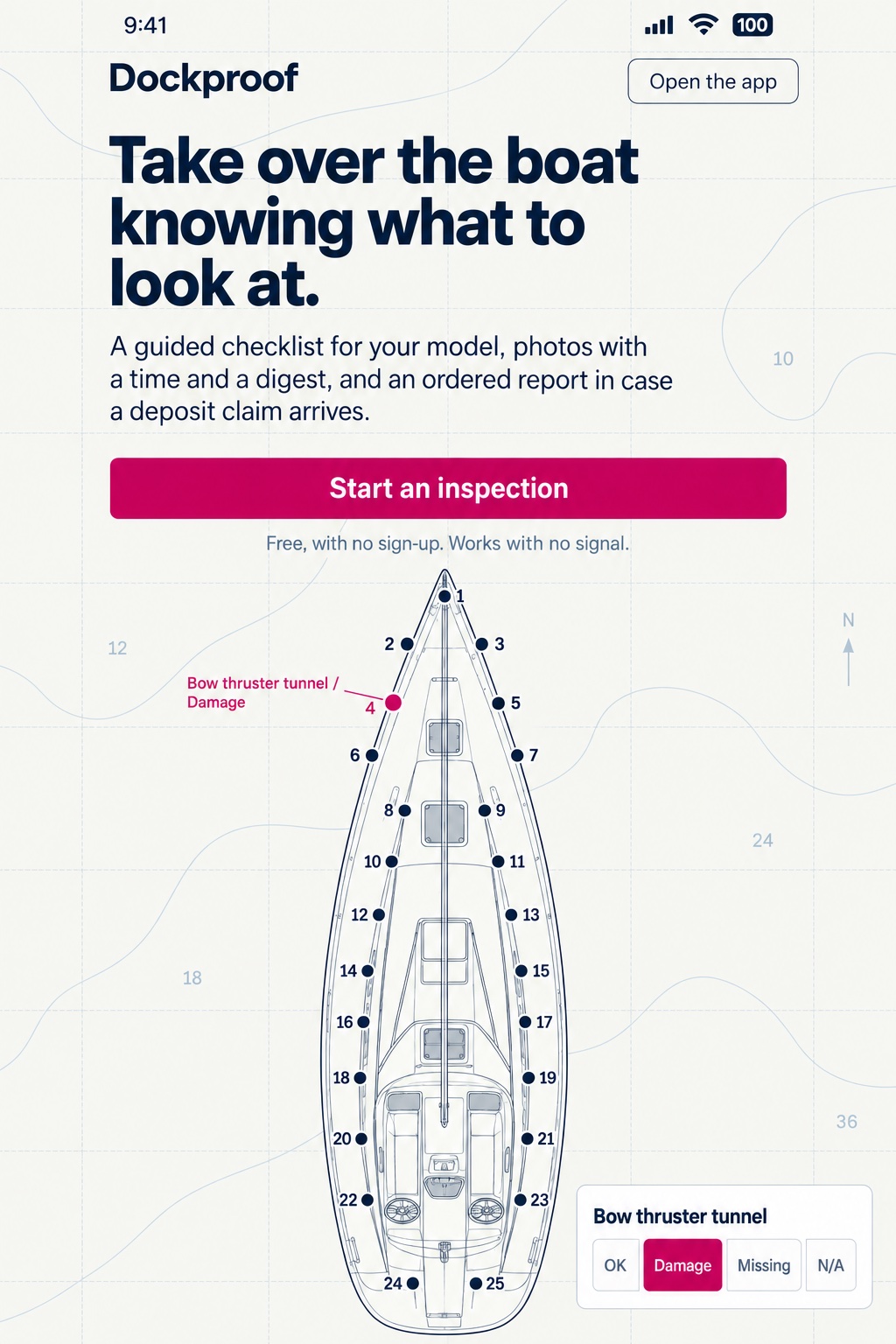
Sunlight chart direction on a phone: chart paper background, bold navy headline, a full-width magenta Start an inspection button, and below it a vertical boat plan with points 1 to 25, point 4 in magenta labeled Bow thruster tunnel / Damage, and a small card with OK, Damage, Missing, and N/A buttons.
C, Sunlight chart. The boat plan reads as the product itself, and the palette stays readable in direct sun.

Mark

Swiss routes

The octopus reduced to circles, half circles, and bars of one width, on a square grid. Symbol and wordmark share the baseline and work as one lockup.

Swiss-style identity board with three rows. Row 01, Head and bars: a solid circle standing on four rounded vertical bars, next to the lowercase wordmark dockproof. Row 02, Half discs: a half disc above four small half circles. Row 03, The o: the symbol replaces the first o of dockproof. Each row also shows a navy app icon and a small favicon.
01 · Head and bars
Recommended. Reads as an octopus at every size, from the lockup down to the 16 px favicon.
02 · Half discs
Clean, but reads as a jellyfish or a flying saucer.
03 · The o
Clever fusion, but the lockup reads as "d_ckproof".

01 applied

The mark on the page

Route 01 applied to direction C: in the nav, in the app header, as a large faint shape behind the hero, as the home-screen icon, and as a sticker for the boat.

Desktop landing hero in the Sunlight chart direction with the Route 01 lockup top-left, the headline, a magenta Start an inspection button, the yacht plan with numbered points, a phone showing the app header with the small symbol, and the symbol very large and faint in the lower-left corner.
A phone showing the landing with the Route 01 lockup, the headline, and a magenta button above the boat plan; next to it the navy home-screen app icon labeled Dockproof and a round sticker reading Inspected with dockproof around the symbol.
Phone, icon, and sticker. Some point numbers repeat in this comp; the build uses the real boat plan.